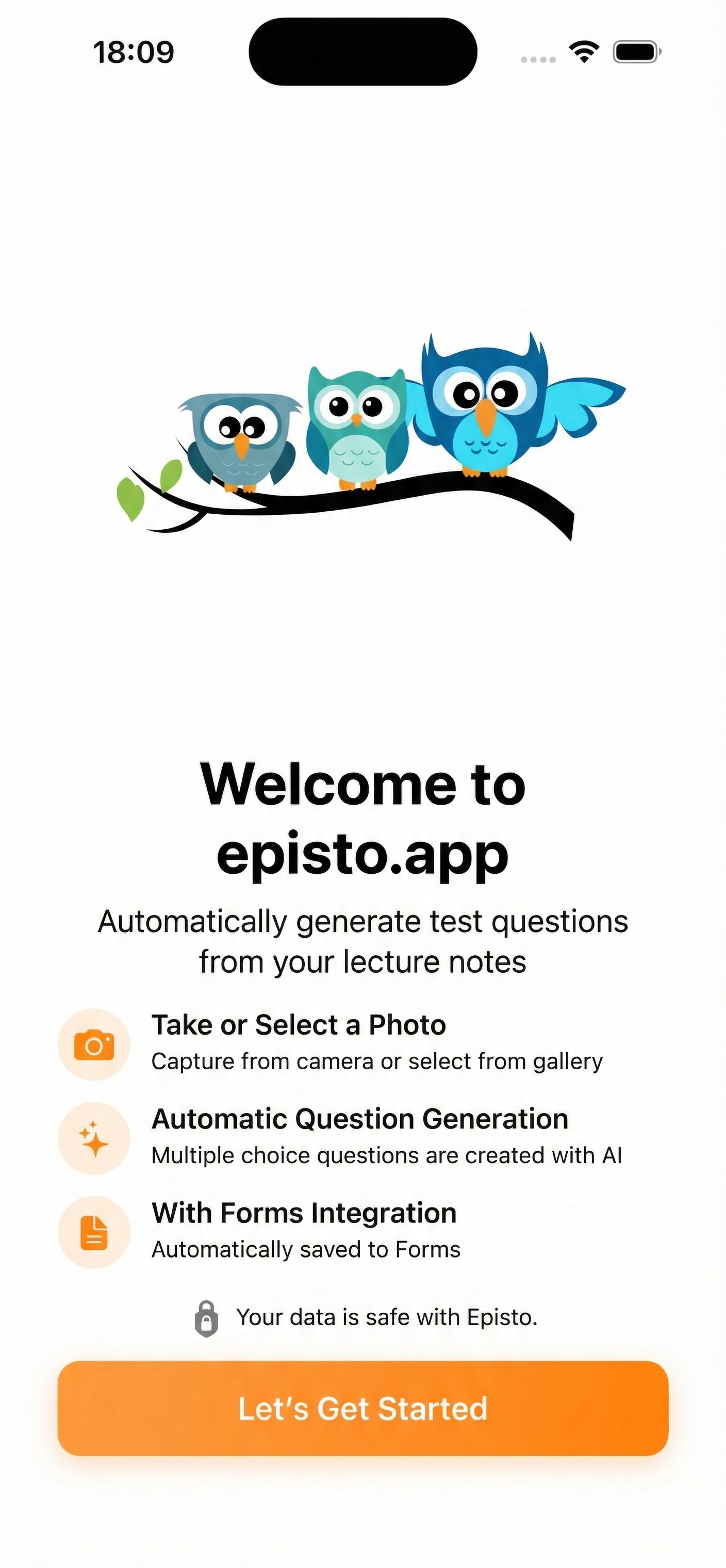
Generate Automatic Test Questions from Your Lecture Notes
Reduce your exam preparation time from hours to minutes with Episto. Simplify your education life with AI-powered question generation.
Secure login with your Google account. Your data is transmitted encrypted.
How It Works
Preparing exams with Episto is very easy. Create professional test questions from your lecture notes in just 3 steps.
Upload Photo
Take a photo of your lecture notes or select from your gallery
AI Processes
Artificial intelligence analyzes your photo and generates questions (30-60 seconds)
Create Form
Review questions and create an online form instantly
Total Time: 5 Minutes
Main Features
Take Photo, Generate Questions
Start with One Click
Take a photo of your lecture notes or select from your gallery. Handwritten text, printed text, diagrams and schemas are supported.
AI-Powered Question Generation
Most Advanced AI Technology
Image analysis with OpenAI GPT-4o Vision AI vision technology. Detects text, diagrams and schemas in your photos to automatically generate questions based on your content. Minimum 10 questions guaranteed.
Review and Edit Questions
Full Control in Your Hands
Preview generated questions, select the ones you want and edit them. 4-option multiple choice format.
Instant Form Creation
Share with Your Students
Automatic online form creation. Shareable link. Various privacy levels. Instant result tracking.
Manage Your History
Everything in One Place
View all your exams in one place. Quick search and filtering. Instant access to form links.
Why Episto?
Time Saving
Before: 2-3 hours for 1 exam
Now: 5 minutes for 1 exam
Up to 95% time savings
Quality
AI-powered professional question quality. Consistent format and structure. Various difficulty levels.
Security
Secure login with your Google account. Your data is under your control. Encrypted data transmission.
Ease of Use
Modern and intuitive interface. Step-by-step guidance. Suitable for users of all levels.
Who Is It For?
Teachers - Reduce your exam preparation time
Education Coaches - Quickly create test materials
Educational Institutions - Standardized exam content
Academics - Create quizzes from your course materials
Frequently Asked Questions
What types of content can be used?
Lecture notes (handwritten or printed), book pages, PDF prints, presentation slides, board photos, diagrams and schemas.
How many questions are generated?
Usually 10 questions are generated based on photo content.
Does it recognize handwritten notes?
Yes! AI can read both printed and handwritten text. Legible handwriting gives better results.
Which languages are supported?
Turkish is fully supported now. Updates for other languages are planned.
Is my data safe?
Absolutely! All your data is stored on secure servers. You log in securely with your Google account.
Does it work without internet?
No. Internet connection is required for AI question generation and form creation.
How many tests can I create?
Unlimited! You can create as many tests as you want.
Eğitim Hayatınızı Kolaylaştırın
Episto ile sınav hazırlama sürenizi saatlerden dakikalara indirin. Bugün ilk testinizi oluşturun!
Start Now